meinamix_v5Final
Clean anime color, readable faces, strong character-card output.
Best For
Prompt basket samples, pose cards, outfit examples, anime-first galleries.
Model Guide
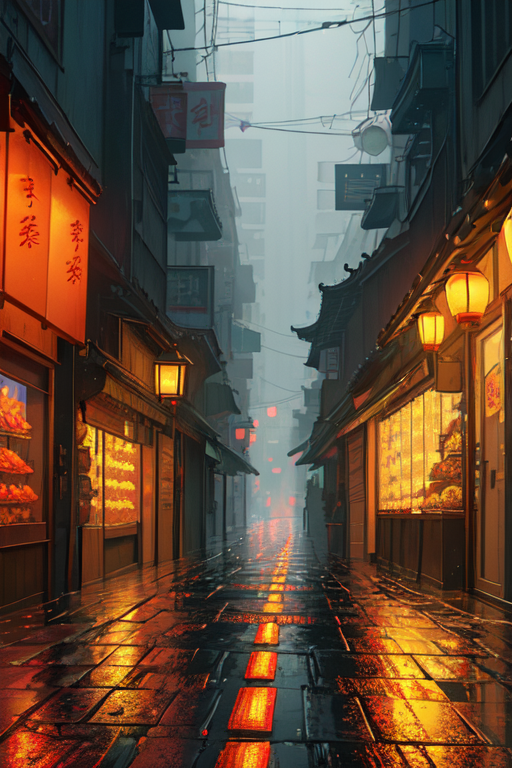
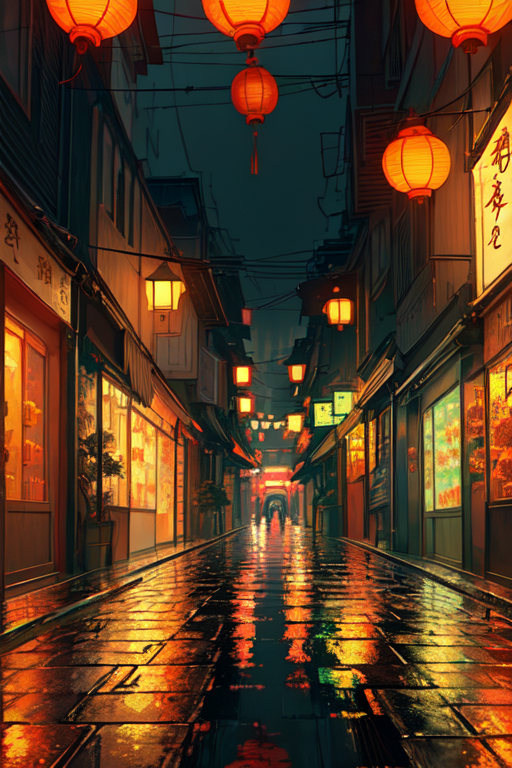
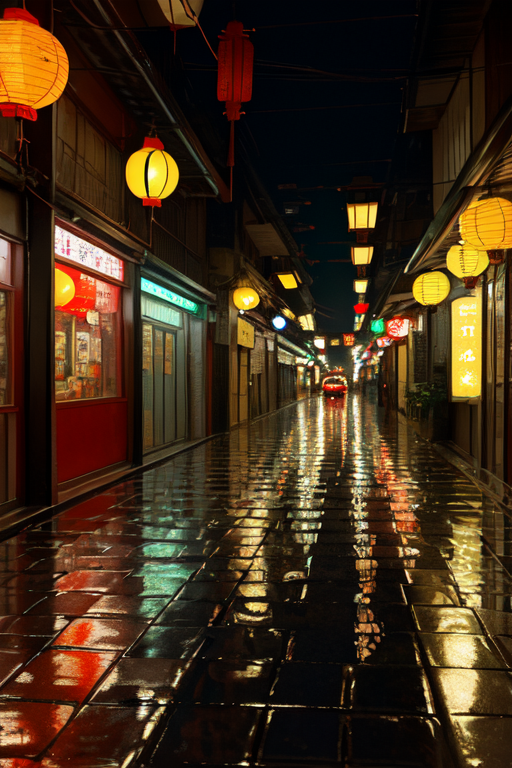
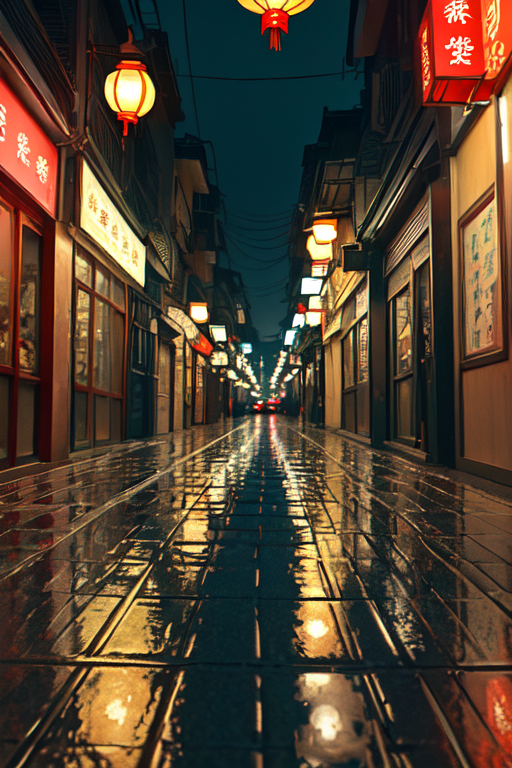
These samples compare an anime baseline, a 2.5D anime model, and two realism-oriented checkpoints. Each row uses the same prompt group and the same picked image number.
Use these as practical recommendations for your RTX 3080 ComfyUI workflow.
Clean anime color, readable faces, strong character-card output.
Prompt basket samples, pose cards, outfit examples, anime-first galleries.
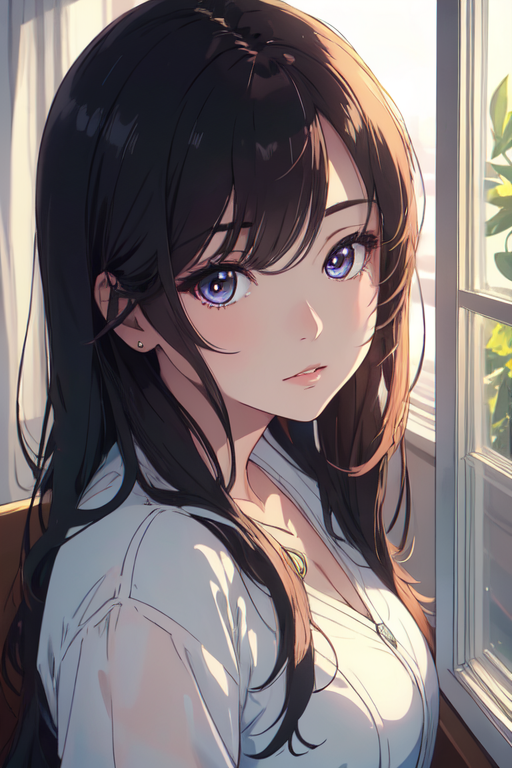
Sharper contrast and a slightly richer illustrated look than the baseline.
Stylized portraits, dramatic lighting, anime images with a little more depth.
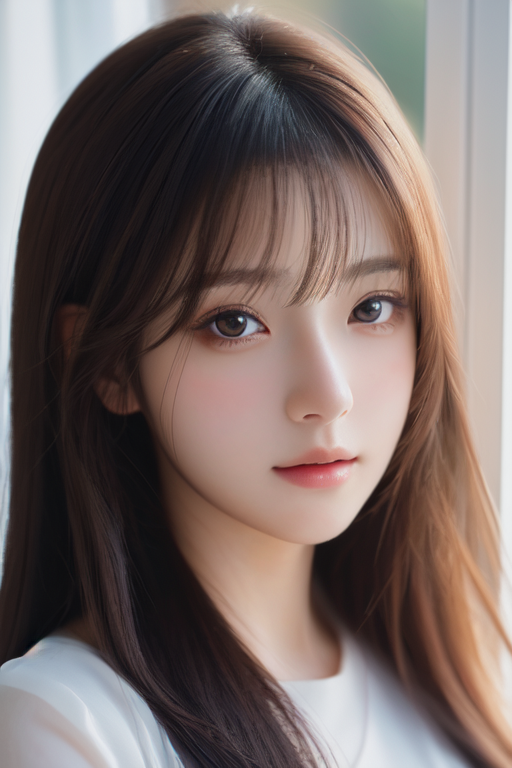
Soft photo-real direction with natural faces and calmer colors.
Portrait tests, camera language, realism-side comparisons.
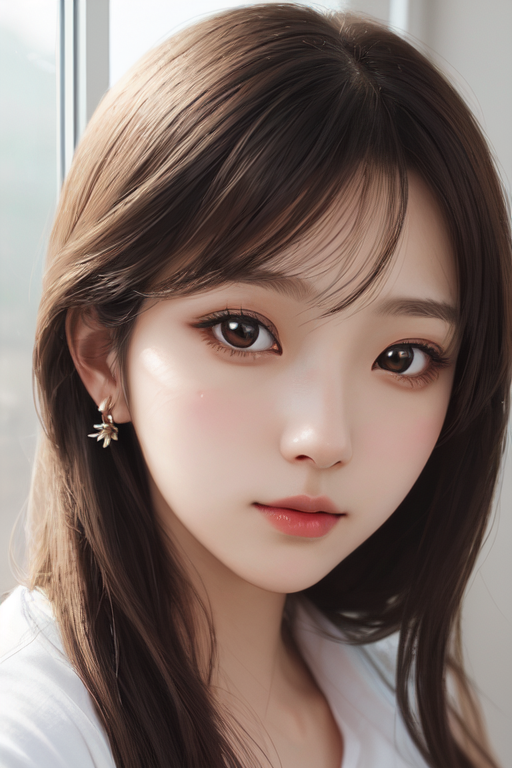
Polished realistic portrait look with gentle lighting and fashion detail.
Soft portrait samples, realistic clothing, Japanese street and indoor scenes.
Rows are prompt groups. Columns are models. Images are copied from the local ComfyUI comparison run.
One person in a sunlit classroom. Useful for testing face style, clothing, hands, and full-body framing.
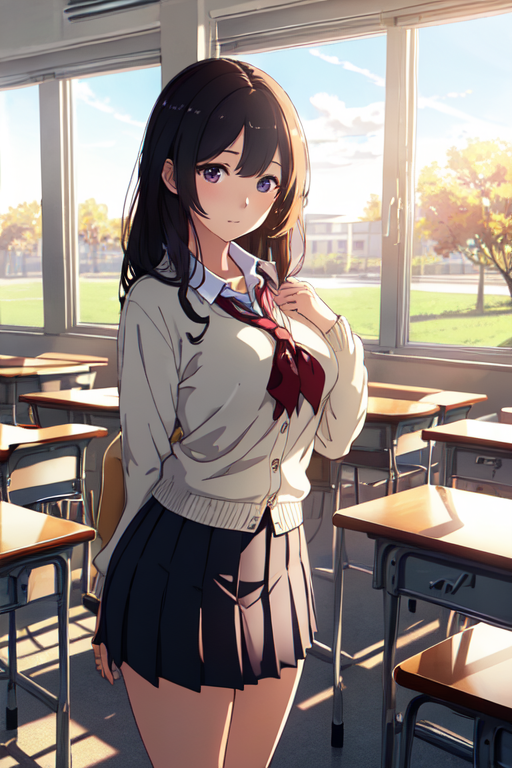
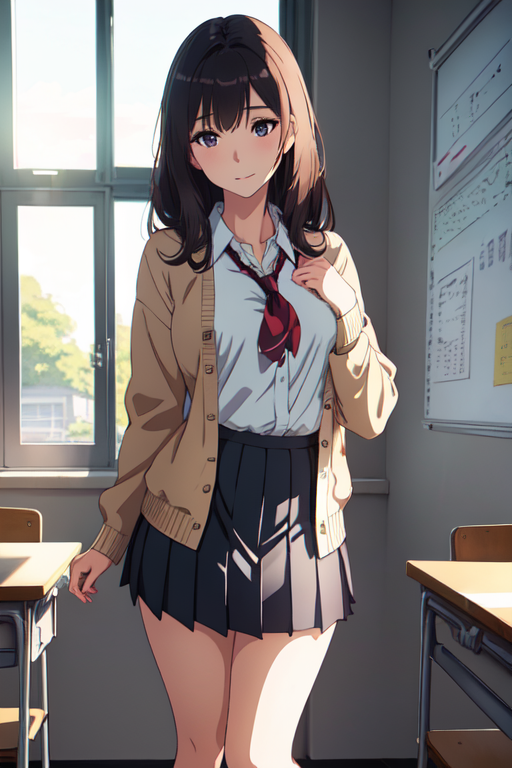
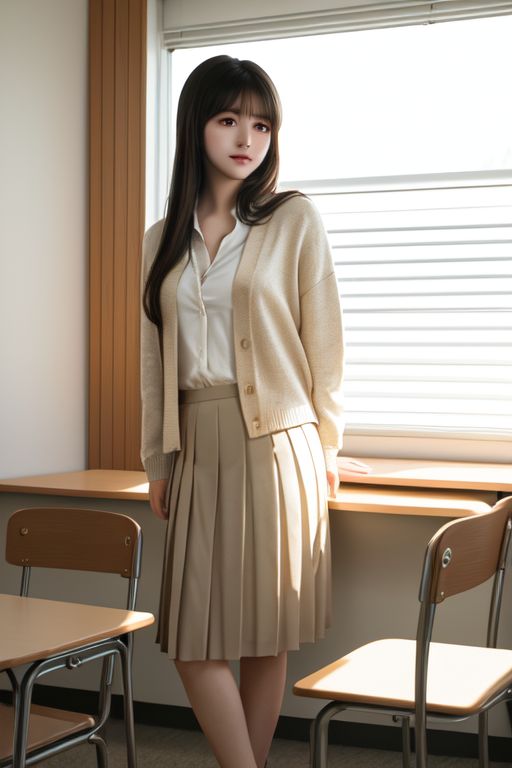
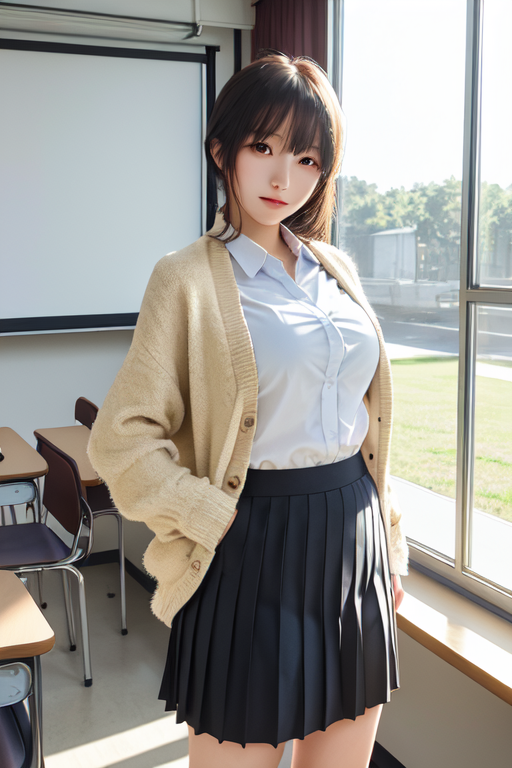
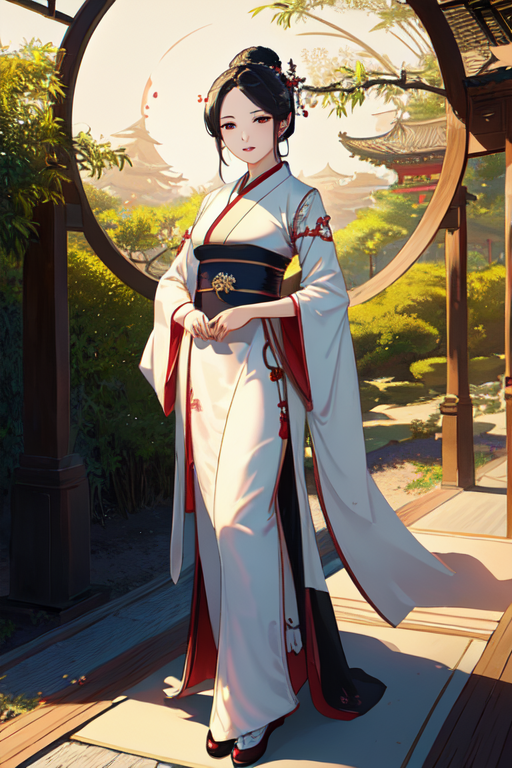
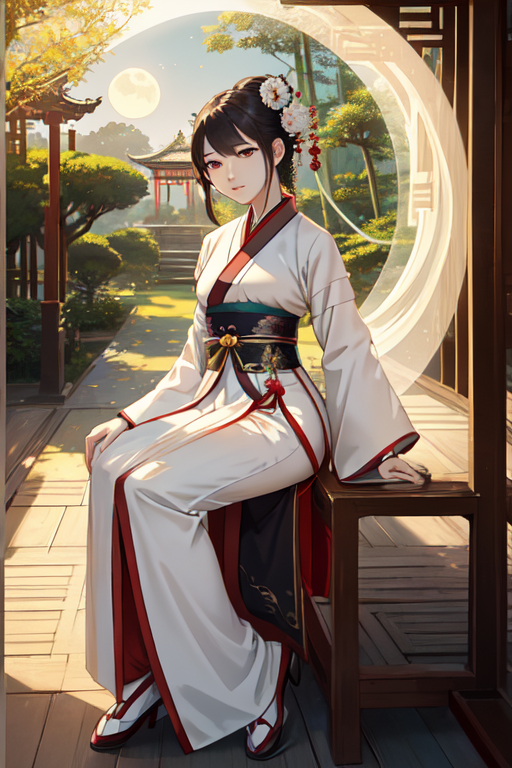
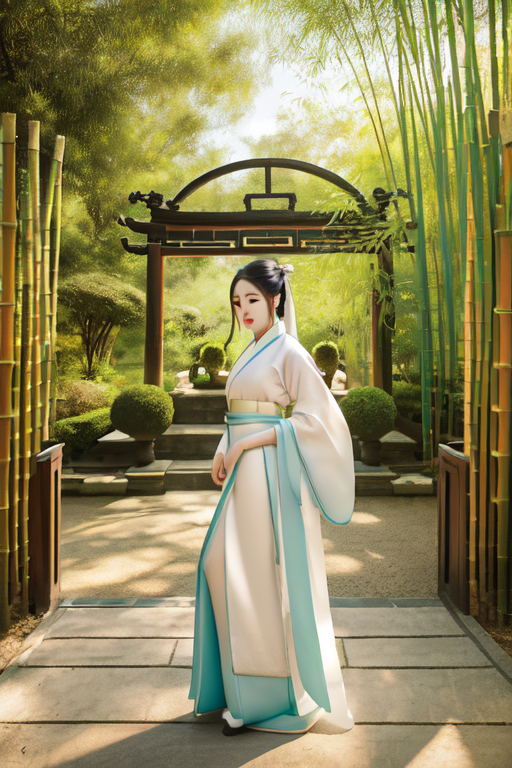
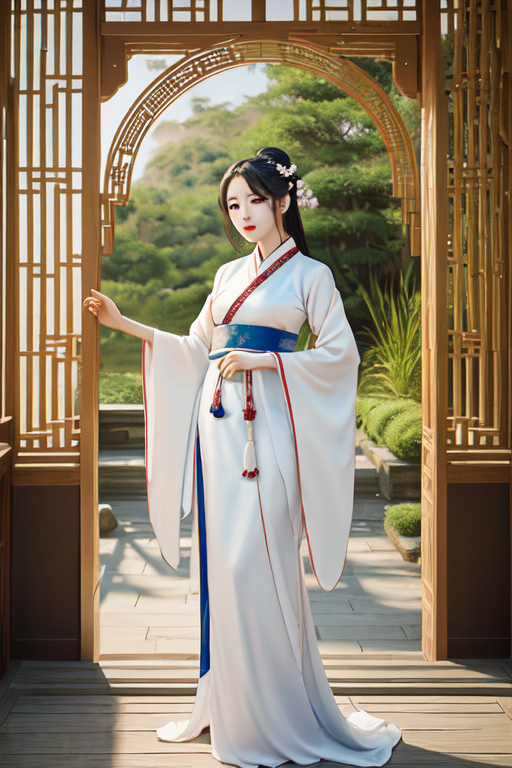
Hanfu-inspired garden scene. Useful for comparing fabric, ornament detail, and cultural atmosphere.
No-person interior. Useful for scene composition, window light, shelves, furniture, and object coherence.
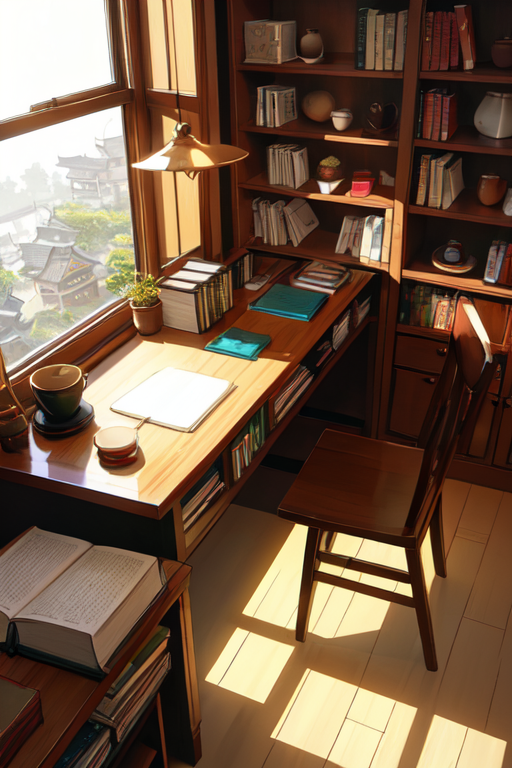
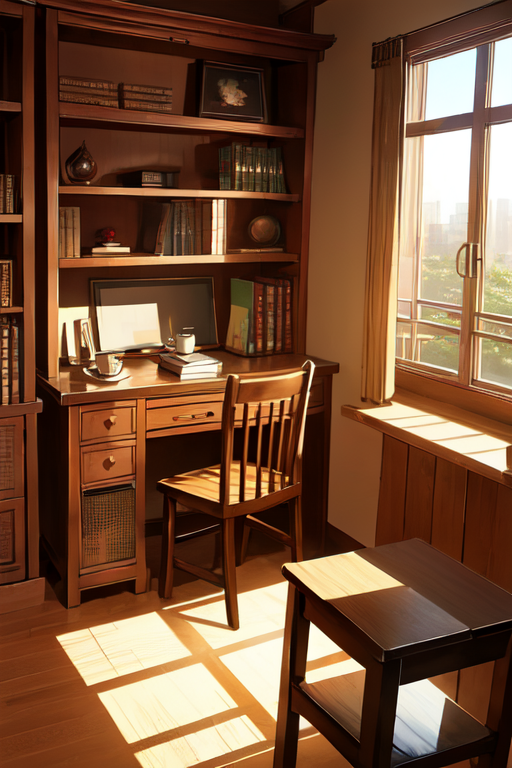
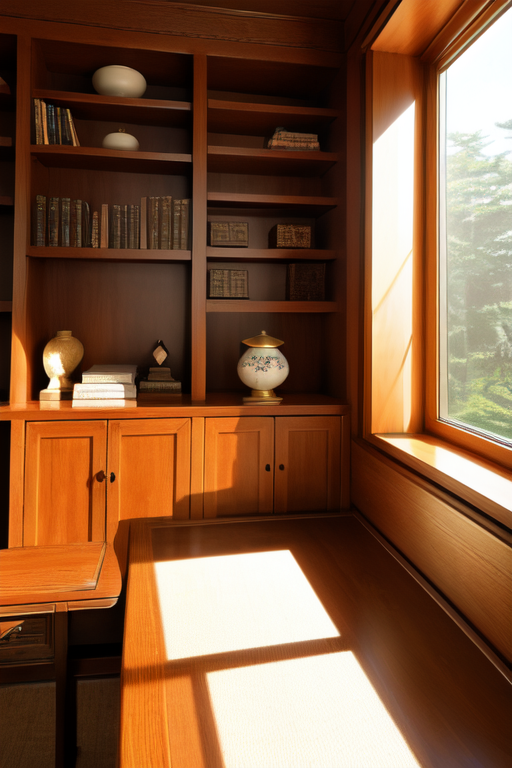
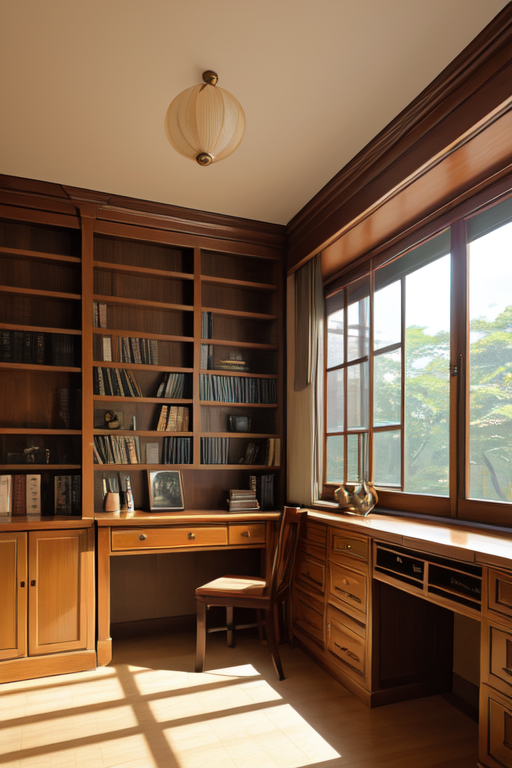
Night street scene. Useful for lighting, reflections, depth, signage handling, and cinematic mood.
Close portrait. Useful for comparing eye detail, skin rendering, hair, and overall model personality.
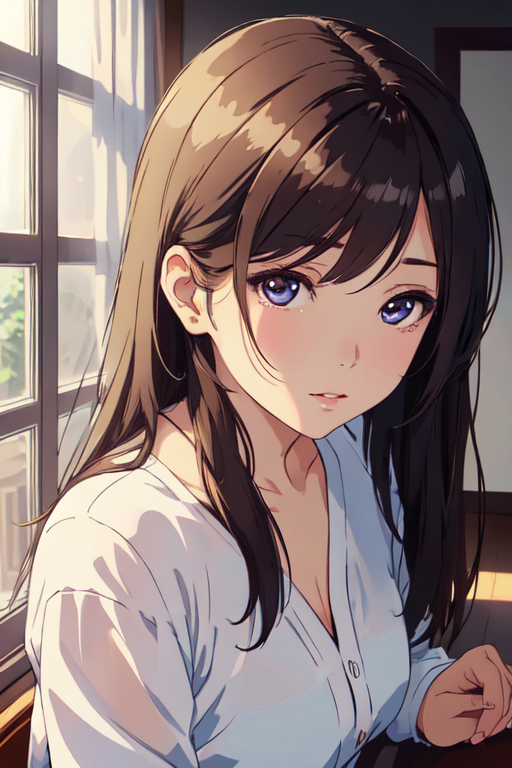
Use meinamix_v5Final when the site needs consistent anime sample cards for prompt fragments.
Use DarkSushiMix-2.25D when you want a slightly richer illustrated look without going fully realistic.
Use majicmixRealistic_v7 and japaneseStyleRealistic_v20 for portrait and camera-language comparison pages.